“It works on my machine” is the most expensive sentence in software. A developer builds an application that runs perfectly on their laptop, deploys it to a cloud server, and watches it collapse — a different operating system version, a missing library, a conflicting dependency. Hours vanish into debugging an environment instead of building the product. Containers were invented to kill this problem permanently: package the application together with everything it needs to run, so it behaves identically everywhere — laptop, test server, or cloud.
Kubernetes, meanwhile, is the system for running lots of containers across lots of servers — and it has a reputation for complexity that scares off exactly the people it could help. This guide is a conceptual tutorial: no commands to memorize, just the ideas in order, so you understand what containers solve, how the pieces fit, when Kubernetes is overkill, and what simpler paths exist.
The Problem Containers Solve
Before containers, deploying an application meant reproducing its environment by hand on every server: install this version of the language runtime, these system libraries, this database client, in this order, with these configuration files. It was fragile, undocumented, and different on every machine. Virtual machines helped by packaging whole operating systems, but VMs are heavy — each one carries a full OS, takes minutes to start, and wastes gigabytes of disk and memory per application.
Containers take a lighter approach. Instead of virtualizing the hardware and running a full OS per application, they virtualize the operating system itself: each container gets its own isolated filesystem, processes, and network, but all containers on a machine share the host’s OS kernel. The result is isolation nearly as strong as a VM at a fraction of the cost — containers start in seconds, use megabytes rather than gigabytes of overhead, and you can run dozens on hardware that would choke on a handful of VMs. If you’re weighing where containers sit in the bigger picture, our IaaS vs PaaS vs SaaS guide shows how they blur the line between infrastructure and platform.
Containers in Plain Words: The Shipping Container Analogy
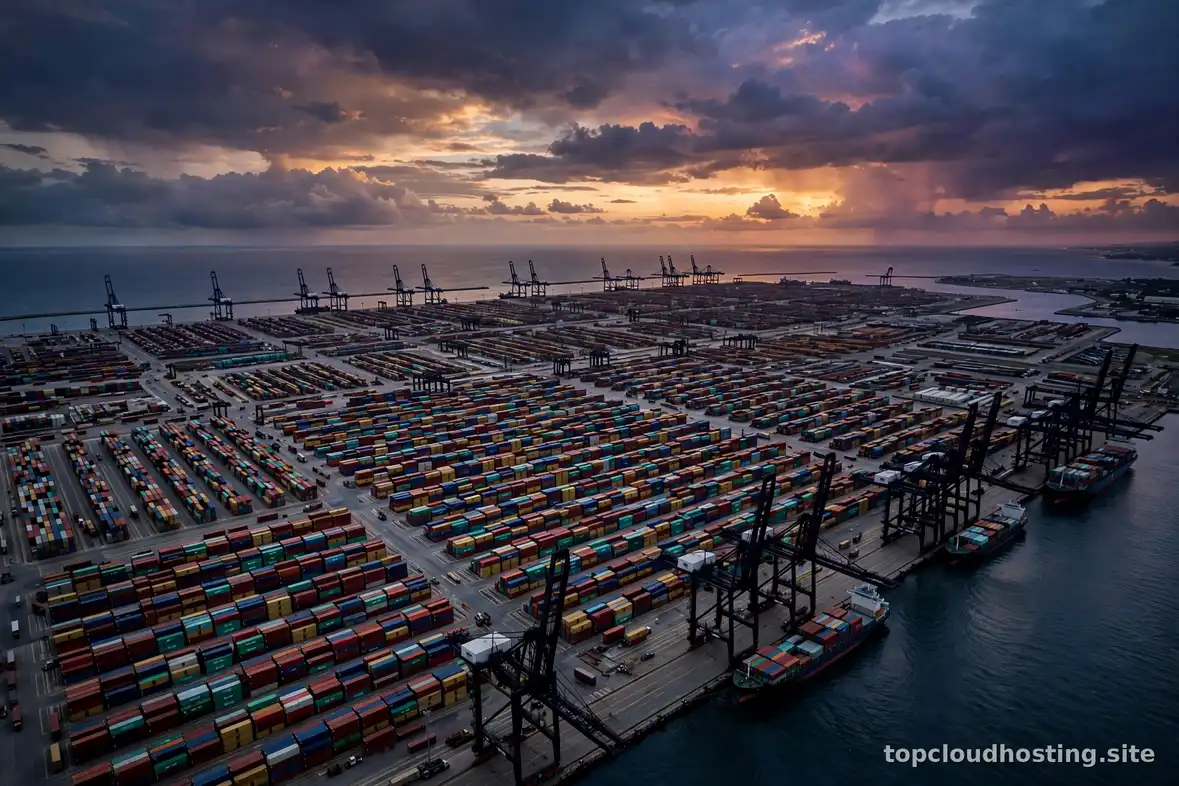
The analogy the industry itself uses is shipping. Before standardized shipping containers, cargo was loaded piece by piece — “break bulk” — and every port handled every shipment differently. The standardized container changed everything: pack anything inside a uniform box, and every ship, crane, and truck in the world knows how to handle it without caring what’s inside.
Software containers work the same way. You pack your application code plus its runtime, libraries, and settings into a standardized unit called an image. Any system that runs containers — your laptop, a cloud VM, a Kubernetes cluster — can run that image identically, without knowing or caring what’s inside. The image is the box; a running instance of an image is the container. Build once, run anywhere isn’t a slogan here — it’s the literal mechanism.

Containers vs Virtual Machines
Containers are often compared to virtual machines because both isolate workloads — but they isolate at different layers, with very different costs:
| Virtual machine | Container | |
|---|---|---|
| What it virtualizes | Hardware (full guest OS per VM) | The OS (shares the host kernel) |
| Startup time | Minutes | Seconds |
| Overhead per instance | Gigabytes (a whole OS) | Megabytes |
| Isolation strength | Very strong (separate kernels) | Strong (separate namespaces) |
| Density per host | Dozens | Hundreds |
Neither replaces the other. VMs remain the right choice when you need different operating systems or kernels on one machine, or the strongest isolation boundary (multi-tenant environments, untrusted workloads). Containers win for packaging and density: many copies of similar applications, fast startup, and identical environments from laptop to cloud. In practice they layer — containers routinely run inside VMs, getting the VM’s isolation at the infrastructure level and the container’s portability at the application level. Your cloud provider’s managed container platforms do exactly this under the hood.
A Step-by-Step Conceptual Tutorial
Follow these five steps in order and you’ll understand the full container workflow, even if you never type a command.
Step 1: Describe your application as a recipe
You start by writing a small text file — conventionally called a Dockerfile — that lists how to assemble your application: start from a base image (say, a standard language runtime), copy in your code, install dependencies, expose the port it listens on. This file is the recipe. It’s version-controlled alongside your code, which means your environment is documented, reviewable, and reproducible — no more tribal knowledge about how the server was set up.
Step 2: Build the image
A build tool reads the recipe and produces the image: a layered, immutable snapshot containing everything the app needs. Layers are cached and shared, so rebuilding after a code change only re-does the changed layers — fast. Because the image is immutable, what you tested is byte-for-byte what you deploy. That single property eliminates an entire category of “but it worked in staging” mysteries.
Step 3: Run it as a container
Running the image starts an isolated container: your app boots inside its own filesystem with its own network identity, seeing only what the image contains. It behaves the same on your laptop and on a cloud server because, from the app’s perspective, the surroundings are the same. Need three copies for testing? Run the image three times. Done with them? Delete the containers; the image remains, ready to run again.
Step 4: Store the image in a registry
Images live in registries — versioned warehouses (Docker Hub, GitHub Container Registry, cloud providers’ own registries) that your servers pull from at deploy time. Tag images by version, and deployments become precise: “run version 2.4.1” means exactly that, everywhere. Rollbacks become trivial too — just point back at the previous tag.
Step 5: Orchestrate at scale — where Kubernetes enters
One container on one server needs no orchestration. But real systems have dozens of containers across many servers: web apps, databases, background workers, caches. Somebody has to decide which server runs what, restart crashed containers, distribute traffic, roll out updates without downtime, and scale up when traffic spikes. That somebody is an orchestrator — and Kubernetes is the dominant one. You declare the desired state (“I want three copies of the web app, always”), and Kubernetes continuously works to make reality match: scheduling, healing, scaling, and updating on your behalf. This is also where containers meet staging environments and CI/CD pipelines — the pipeline builds the image, and the orchestrator deploys it.
When Kubernetes Is Overkill
Let’s be blunt: most projects should not run Kubernetes. The honest checklist for “you probably don’t need it yet”:
- You have one application and one to three servers. Kubernetes shines at fleet management. A single app on a couple of servers is managed more simply with plain containers or a PaaS.
- You don’t have (or want) ops expertise. Kubernetes has a real learning curve — networking, storage, security, upgrades. If nobody on the team wants to own it, it will own you instead.
- Your scaling needs are modest or predictable. If traffic grows smoothly and a vertical upgrade (bigger server) handles it, you don’t need an orchestrator’s autoscaling.
- You’re pre-product-market fit. Early on, shipping speed beats infrastructure elegance. Complexity you can’t afford to maintain is a liability, not an asset.
Adopting Kubernetes too early is one of the classic ways small teams trade shipping velocity for impressive architecture diagrams. Start simple; graduate when the pain of simplicity exceeds the pain of orchestration.

Simpler Orchestration Paths
“Simpler than Kubernetes” is a rich landscape, and the right choice depends on how much control you want:
- Managed container platforms (PaaS for containers). Services like AWS App Runner, Google Cloud Run, Azure Container Apps, Render, or Fly.io take your container image and run it — handling servers, scaling, TLS, and networking for you. You get most of containers’ portability benefits with near-zero ops. For small teams and side projects, this is usually the right answer.
- Single-host orchestration. Tools like Docker Compose define multi-container applications (app + database + cache) in one file and run them on a single server. Perfect for development environments and small production workloads that fit on one machine.
- Managed Kubernetes. If you genuinely need Kubernetes but not the operational burden, managed offerings (GKE, EKS, AKS) handle the control plane — upgrades, availability, patching — while you manage only your workloads. It removes the hardest part, though the Kubernetes concepts themselves remain yours to learn.
- Good old PaaS. Sometimes the answer is to skip containers entirely: push code to Heroku, Vercel, or similar and let the platform handle everything. Containers are a means, not an end.
When Kubernetes Actually Makes Sense
Kubernetes earns its complexity when several of these are true: you’re running many services (microservices or just many apps) that need to scale independently; you need sophisticated deployment patterns like canary releases or blue-green deployments; you run across multiple clouds or need portability between providers; you have compliance requirements that demand control over the full stack; or you simply have the team to operate it well. At that point, Kubernetes stops being overhead and becomes leverage — one consistent way to run everything, everywhere.
The pragmatic path most teams follow: start with containers on a simple platform, learn the image workflow, feel the pain points (manual scaling, single points of failure, deployment coordination), and adopt orchestration when the pain is real and specific — not before. Containers are the revolution; Kubernetes is just the most powerful way to manage it, and power you don’t need is weight. For the official conceptual grounding, Google Cloud’s learn center and AWS’s what-is guides both cover containers and Kubernetes from first principles.