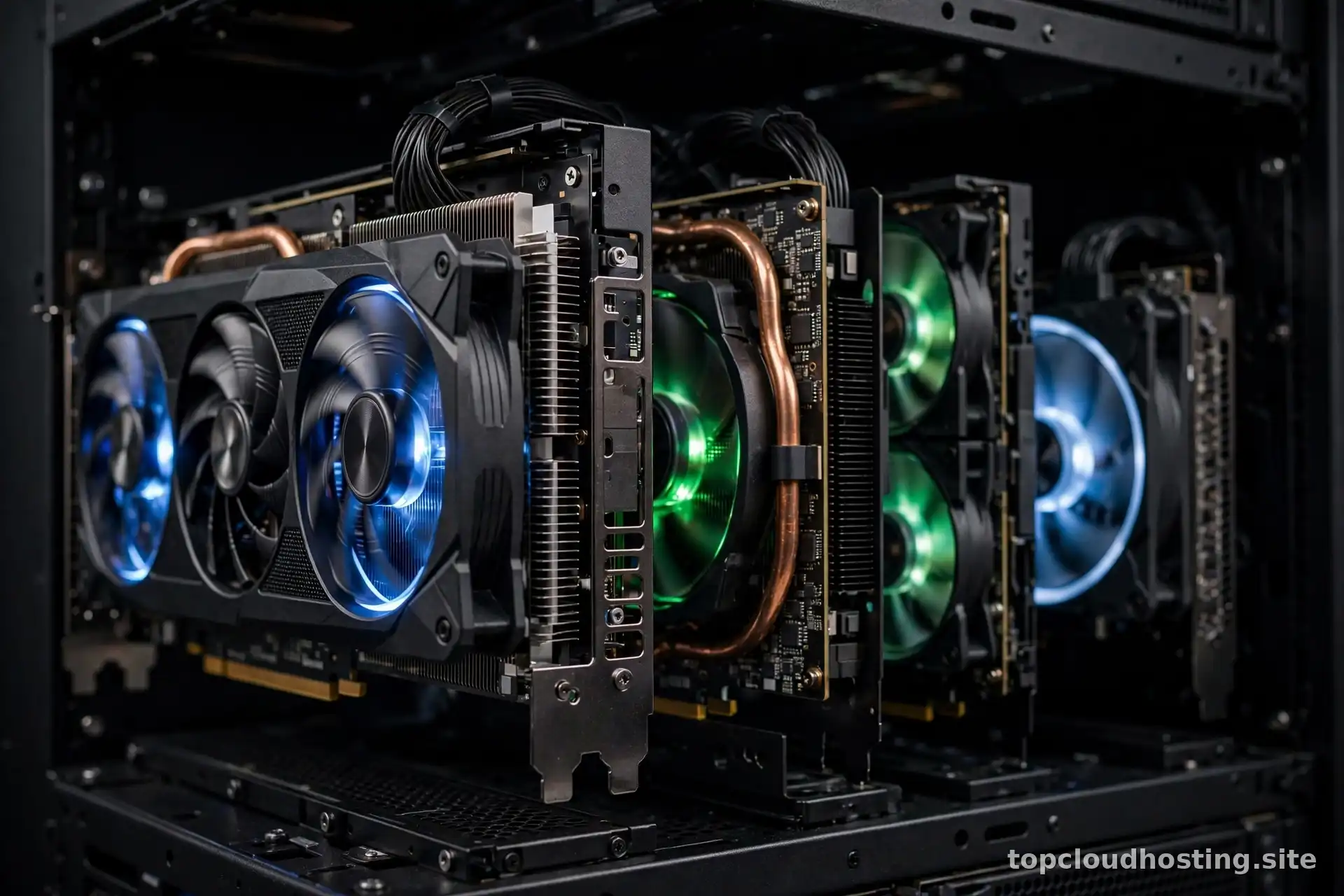
In 2026, “I want to run AI” is something a solo developer says about a weekend project, not just something enterprises say about research labs. But AI workloads do not run well on ordinary web hosting: training or even running modern models demands GPU compute — specialized processors that handle the parallel math of neural networks orders of magnitude faster than standard CPUs. GPU hosting is the market that serves this demand, and it plays by different rules than everything else on this site. This guide explains what GPU hosting is, what drives its cost, and how to buy it wisely for an AI side project.
One important framing first: most small businesses use AI without ever touching a GPU. If your plan is to call a hosted AI API — a chat model, an image generator, a transcription service — you need ordinary web hosting plus an API key, not GPU hosting. GPU hosting is for when you run the models yourself: fine-tuning an open model, running inference on your own infrastructure, or training something from scratch. Know which camp you are in before reading further, because the buying advice diverges completely. For the API camp, our serverless hosting guide covers the compute model most AI API integrations pair well with.
What GPU Hosting Actually Is
GPU hosting rents you servers equipped with graphics processing units — the same class of hardware that renders video games, repurposed as the engine of modern AI. A GPU has thousands of small cores designed for parallel computation, which makes it dramatically faster than a CPU at the matrix operations neural networks are built from. “GPU hosting” in 2026 comes in several flavors: dedicated GPU servers you rent by the hour or month, fractional GPU access through containerized platforms, and serverless GPU inference endpoints that scale like the functions described above but with accelerators attached.
Inference vs training: the workload that defines everything
Two workloads dominate GPU hosting, and they have opposite buying profiles. Inference — running an already-trained model to generate outputs — needs modest, steady GPU capacity and cares about latency and cost per request. Training or fine-tuning — teaching a model new behavior — needs intense bursts of top-tier GPU power for hours or days and cares about total throughput and cost per run. A side project doing inference might live happily on a single modest GPU; a fine-tuning run might need the most powerful cards available for a weekend. Identify your workload first, because it determines which products and prices are even relevant.

What Drives GPU Hosting Costs
GPU compute is the most expensive mainstream hosting product, and understanding why prevents both sticker shock and overspending. The cost drivers are straightforward once named.
Driver 1: The hardware tier
Not all GPUs are equal, and the price spread between tiers is enormous. Current-generation data-center GPUs cost multiples of older or consumer-grade cards per hour — because they genuinely deliver multiples of the performance for large models. The expensive mistake is renting flagship hardware for a workload that would run fine on a mid-tier card. Match the GPU to the model’s actual requirements: check the model’s documentation for its VRAM (video memory) needs first, because VRAM is usually the binding constraint — a model that needs 24GB of VRAM simply cannot run on a 16GB card at any price.
Driver 2: Utilization — idle GPUs burn money fastest
An idle GPU costs nearly as much as a busy one, which makes utilization the dominant cost lever. A GPU server running your inference endpoint at 10% utilization is burning 90% of its cost for nothing. This is why fractional and serverless GPU offerings exist: they let small projects pay closer to their actual usage. Before committing to a dedicated GPU server, honestly estimate your utilization. If the GPU will sit idle most of the day, a usage-based option will almost certainly be cheaper — check current pricing on a few providers and compare against your projected hours.
Driver 3: Commitment and spot pricing
Like all cloud compute, GPU pricing rewards commitment and flexibility. Reserved or committed-use pricing lowers the hourly rate substantially for workloads you know will run for months; interruptible “spot” capacity offers deep discounts for workloads that can tolerate being paused, such as training runs with checkpointing. For a side project, the practical move is to start with on-demand or usage-based pricing while you learn your actual consumption pattern, then commit once the pattern is stable and you can do the arithmetic with confidence.
The GPU Hosting Buyer’s Checklist
Use this checklist before you rent anything. It is ordered to prevent the most common and expensive mistakes.
Step-by-step buying checklist
First, define the workload precisely: which model, inference or training, expected request volume or training duration. Second, determine the VRAM requirement from the model’s documentation — this single number eliminates most unsuitable options. Third, estimate utilization honestly: hours per day the GPU will actually work. Fourth, shortlist two or three providers and check current pricing for the GPU tier you need — GPU prices move with supply and demand, so treat any price you read (including in this article) as a snapshot, not a quote. Fifth, start small and usage-based: run a pilot, measure real cost and performance, then decide whether a commitment discount is justified. Sixth, set billing alerts on day one — GPU bills scale faster than any other hosting bill, and an alert is the cheapest insurance in cloud computing. Seventh, plan your exit: keep models, data, and code portable so you can move providers when pricing shifts.

Alternatives Worth Considering First
GPU hosting is not always the answer, even for AI projects. Honestly evaluate these alternatives before renting accelerators.
Hosted AI APIs
For the large majority of AI features — chat, summarization, classification, image generation, transcription — a hosted API is cheaper, faster to ship, and operationally simpler than running your own GPU. You trade per-request cost and some control for zero infrastructure. Unless you have a specific reason to self-host (data privacy requirements, a fine-tuned model, cost at very high volume), the API is the default right answer in 2026.
CPU inference for small models
Small, optimized models can run inference on ordinary CPUs at acceptable speed. If your model is compact — a distilled or quantized variant — test CPU inference before assuming you need a GPU. Many side projects discover their workload runs fine on the web hosting they already have, which turns a GPU hosting decision into no decision at all.
Free tiers and credits for learning
If the goal is learning rather than production, several platforms offer free GPU tiers or trial credits aimed at experimentation. They come with limits — restricted hours, queued access, no guarantees — but for a weekend of learning they beat paying for a dedicated card. Treat free tiers as classrooms, not infrastructure.
When GPU Hosting Pays for Itself
GPU hosting earns its cost in a few clear scenarios: production inference at volumes where API per-request fees exceed self-hosting costs, fine-tuning open models on proprietary data where sending that data to a third-party API is unacceptable, and latency-sensitive applications where controlling the full stack matters. Notice what these have in common: a concrete workload, measured volume, and a cost comparison against the alternative. “We might need AI someday” is not a workload — it is a reason to keep reading and learning, which costs nothing.
A note for store owners
Ecommerce is one of the fields where AI features are genuinely moving revenue in 2026: visual search, personalized recommendations, AI-assisted product descriptions, and support chatbots. If you are evaluating these for a store, the hosting question sits inside the larger decision of choosing cloud hosting for ecommerce — get the store’s foundation right first, then add AI features on the compute model each one deserves, whether that is an API call or a GPU-backed service.
Right-Sizing a Pilot: A Worked Illustrative Example
Abstract advice about “estimating utilization” is hard to act on, so here is a worked example using clearly labeled illustrative figures — not real provider prices, just arithmetic to show the method. For illustration, assume a side project needs GPU inference for a chatbot, expects roughly 50,000 requests per month, and each request takes about 2 seconds of GPU time. That is 100,000 GPU-seconds per month, or about 28 GPU-hours — roughly 4% utilization of a full-time server.
Comparing the options with illustrative numbers
For illustration, assume a dedicated GPU server costs $1.00 per illustrative hour (a made-up round number for the math): running it full-time costs about $720 per illustrative month, of which you use 4%. A usage-based option charging, say, $1.50 per illustrative GPU-hour for only the hours you consume costs about $42 per illustrative month for the same workload. The usage-based option wins by an order of magnitude here — and the break-even point is easy to compute: divide the monthly dedicated cost by the usage-based hourly rate to find how many GPU-hours per month justify the dedicated box. Run this arithmetic with real current prices from two or three providers before you commit to anything; the method is the durable part, the numbers change monthly.
Pilot discipline
Treat the first month as an experiment with a hypothesis: “we expect X GPU-hours at $Y per hour.” Then compare actuals. Side projects routinely discover their usage is a tenth of the estimate (great — stay usage-based) or ten times it (also great to learn early — now the commitment math may favor reserved capacity). The pilot is cheap tuition; skipping it is how people end up paying for a flagship GPU to serve a chatbot nobody uses yet.
GPU hosting in 2026 is a mature, competitive market — which is good news for buyers. The winning strategy is unglamorous: define the workload, size the VRAM, estimate utilization honestly, check current pricing across providers, start usage-based, and set billing alerts. Do that, and you will get the AI capability you actually need at a cost you can defend — instead of an impressive GPU server doing nothing at 3 AM.